Government job-search entry point
The service supports public job discovery across England, Scotland, and Wales without becoming the employing organisation.
Job-site resume guide
GOV.UK now directs the Find a job service to Work Hub, a public service with job search, a free CV builder, an action plan, and GOV.UK One Login. Its CV tool currently requires users to create and download the document in the same session.
My Best Resume is independent and is not affiliated with, endorsed by, or sponsored by GOV.UK Work Hub. GOV.UK Work Hub and its related marks belong to the Crown and their respective owners.
Live evidence check
Paste the complete listing from GOV.UK Work Hub. The matcher separates direct support, adjacent experience, missing evidence, and hard requirements so you can decide what to emphasize without inventing a qualification.
Two-document evidence workspace
Supported
Direct resume evidence
Transferable
Related, not equivalent
Missing
A question, not a rewrite
Requirements
Not verified in the resume
Platform overview
GOV.UK now points job seekers in England, Scotland, and Wales to Work Hub, a public service with job search, a CV builder, an action plan, and GOV.UK One Login. It replaces the older Find a job account route rather than acting as one universal employer application system.
The free builder can help create a basic UK CV, but its current same-session workflow means candidates should collect work history and qualifications before starting and download the file immediately. The live employer advert and destination Apply flow still control what evidence and documents are required.

The service supports public job discovery across England, Scotland, and Wales without becoming the employing organisation.
Candidates currently enter work history and qualifications, create the CV, and download it in one session.
Listings can lead to different employer forms, document requests, deadlines, and eligibility checks.
Hiring landscape
Work Hub is a broad public job-search service. These are representative local hiring clusters, not a live government ranking.

Swipe the table to compare all columns →
| Job category | Why it fits this platform | What the resume should prove |
|---|---|---|
| Retail, hospitality, and customer service | Local vacancies can be schedule, shift, customer, travel, and availability sensitive. | Show availability where useful, customer volume, sales or service quality, reliability, teamwork, and safety. |
| Health, care, and community support | Listings include care, support, health administration, community, and public-facing services. | Lead with checks or credentials where required, people supported, safeguarding, workload, and service outcomes. |
| Construction and skilled trades | Employers may specify trade, card, ticket, site, travel, tool, and physical-work requirements. | Name current credentials, tools, project type, safety, quality, crew context, and completed work. |
| Warehouse, transport, and manufacturing | Roles commonly depend on equipment, shift pattern, licence, location, production, and safety context. | Quantify throughput, inventory, routes, equipment, on-time performance, incidents, waste, and quality. |
| Administration, education, and public service | Searches include office support, schools, councils, charities, and operational public services. | Show systems, accuracy, workload, stakeholders, safeguarding or compliance, communication, and improved service. |
Category availability changes by location, date, eligibility, and employer demand. Always verify the live listing before applying.
Direct answer
Use Work Hub to identify a live vacancy, then treat the employer's advert and Apply route as the source of requirements. If you use Build a CV, gather your complete work history and qualifications first, create and download the file in the same session, and then tailor a copy to the vacancy. Check right-to-work guidance separately; a public job listing or CV tool does not establish eligibility.
Who this guide is for
Best for people searching for work in England, Scotland, or Wales through the current government service, especially candidates who need a basic UK CV foundation.
Application patterns
A job site can host the discovery step, the application step, or both. The resume should remain readable when the employer moves it into another workflow.
The service searches live vacancies by job, city, or postcode and may lead to an employer-controlled application route.
Resume implicationThe live advert and destination form determine whether a CV, application form, questions, or other evidence is required.
The free service creates a professional CV from work history and qualifications for download.
Resume implicationPrepare source facts first and download in the same session because the current service says in-progress CVs cannot yet be saved.
Resume priorities
Platform mechanics are only one constraint. A recruiter still needs a clear target, credible experience, and evidence that connects to this particular posting.
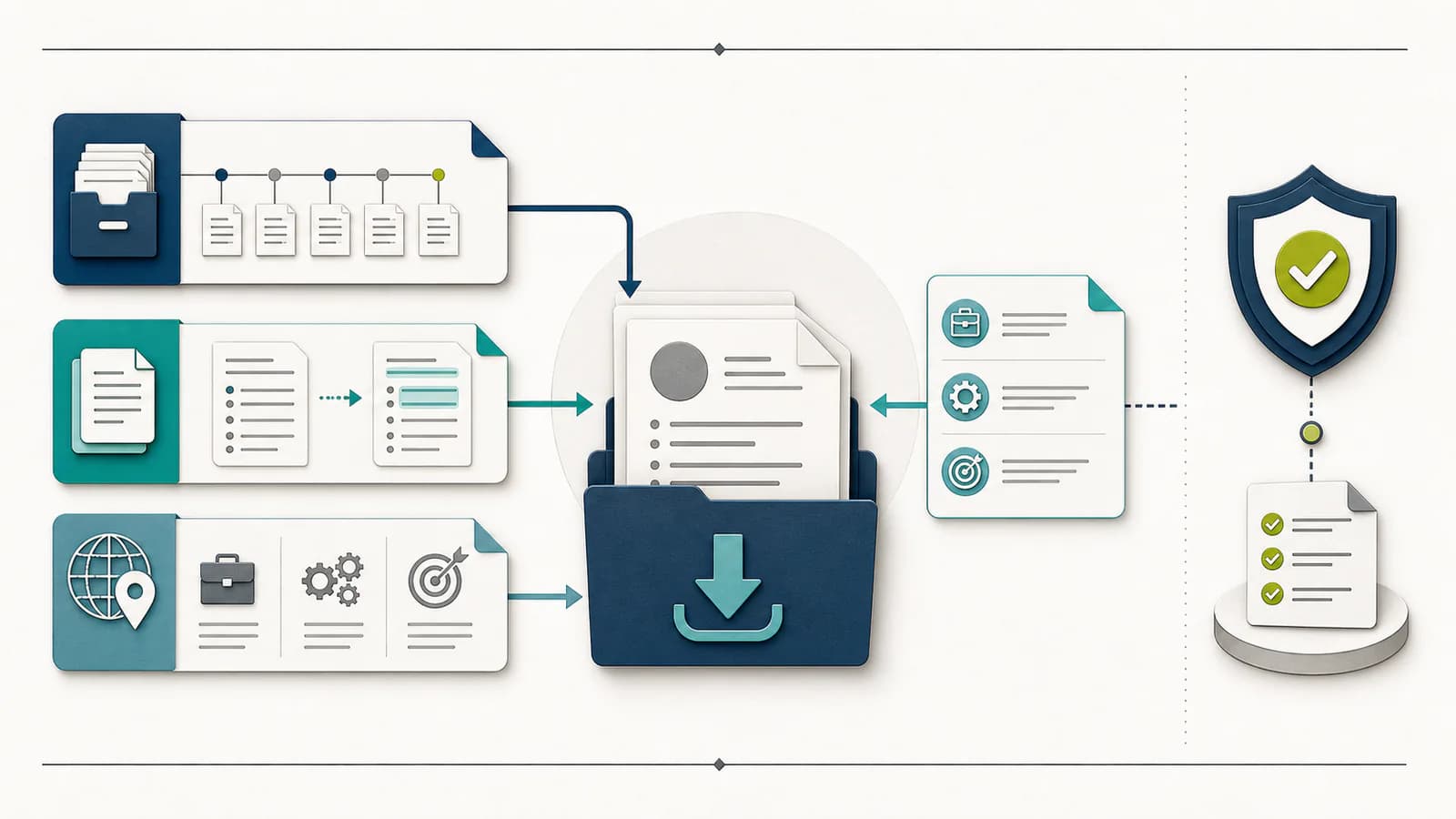
The CV builder depends on accurate work and qualification details gathered before the session starts.
Do you have exact employers, titles, dates, qualifications, and verified outcomes ready to enter?
A general downloaded CV still needs to reflect the essential criteria of the specific employer advert.
Which three essential requirements can your real experience demonstrate most directly?
Employers may need neutral explanations for overseas job titles, qualifications, or organisational scale.
Which fact needs a brief explanation, and which original wording must remain unchanged?
Work Hub itself tells users to check whether they need a UK visa and have the right to work.
What factual work-status wording, if any, is requested by the application rather than assumed from the listing?
Job-search tutorial
Follow the platform-specific path below, then use the checkpoint at each stage to catch a bad fit, missing proof, or wrong document before submission.
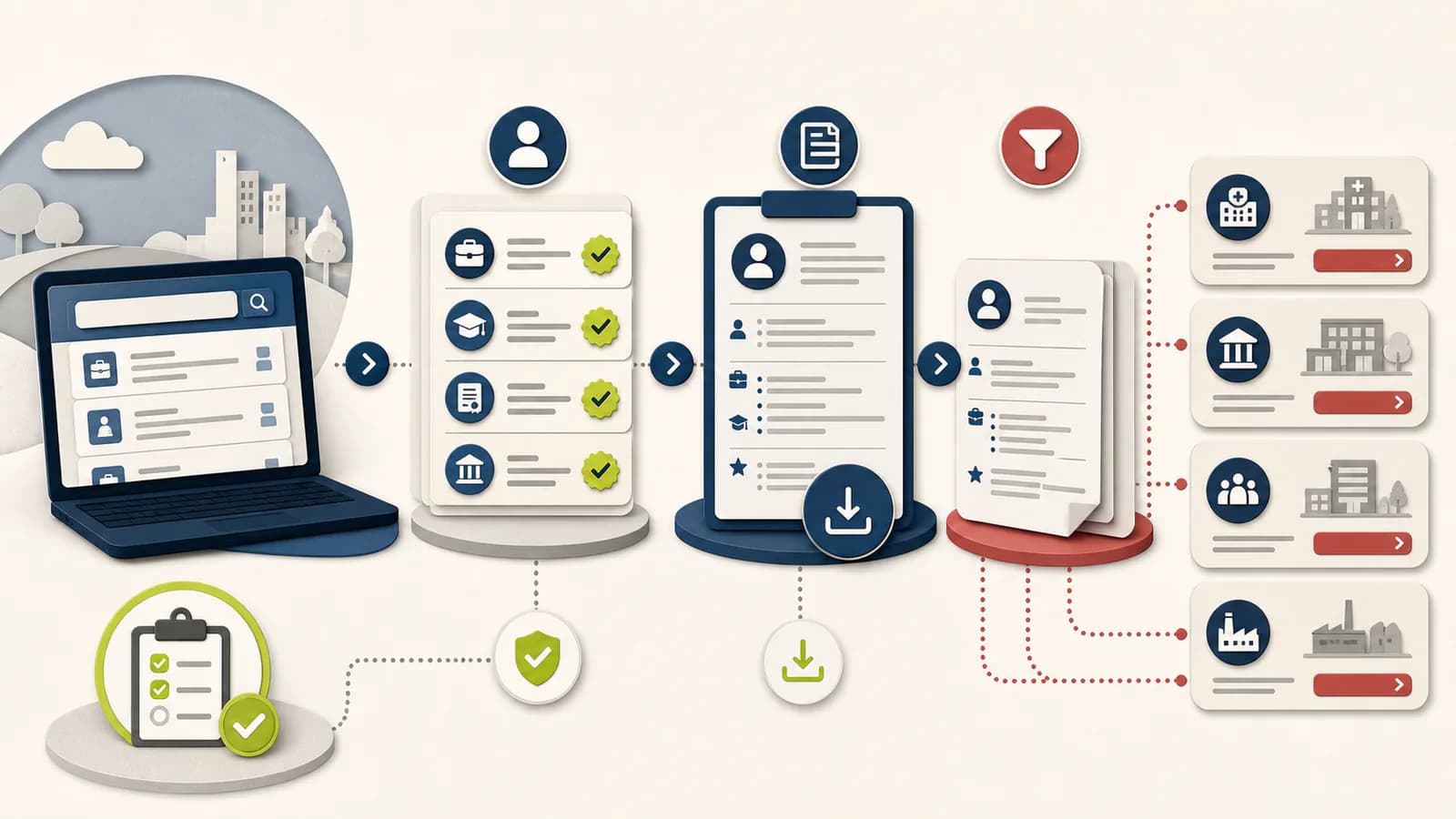
Start from the GOV.UK Find a job page and follow its link to Work Hub rather than an old bookmarked service.
CheckpointThe page is on jobs.service.gov.uk and the vacancy is current.
Set role, location, schedule, and work arrangement, then inspect employer identity and the final Apply route.
CheckpointYou know who employs the role and where the application will be completed.
Prepare dates, employers, duties, outcomes, qualifications, and contact details before opening the builder.
CheckpointThe builder session can be completed without guessing missing history.
Create the foundation, download it during the same session, duplicate the file, and adapt the copy to the advert.
CheckpointThe saved local file contains the intended facts and vacancy-relevant evidence.
Follow the listing's form and document rules, checking right-to-work questions separately and accurately.
CheckpointA public listing or CV-builder account has not been mistaken for employment eligibility.
Before you submit
Recover the missing proof
Common mistakes
Tailoring should change selection, order, and language—not the underlying facts. Keep every claimed skill, scope, credential, and outcome traceable to evidence you can explain.
Start from GOV.UK Find a job, which currently links to Work Hub at jobs.service.gov.uk.
Gather the source record first because the current builder requires creation and download in one session.
Keep it as a factual foundation and make a copy for each employer's essential criteria.
Use official immigration guidance and explicit employer language; do not infer eligibility from presence on Work Hub.
Limit 01
Work Hub is an evolving government service; current features, sign-in requirements, and application routes may change.
Limit 02
The CV builder does not verify the truth of candidate inputs, determine visa or right-to-work status, or guarantee employer review or selection.
Official-source notes
Platform features, file rules, and application flows can change. These notes were last reviewed on . Open the linked first-party guidance before relying on a changing detail.
The official GOV.UK entry point for job search in England, Scotland, and Wales and its link to the current Work Hub.
Verified July 30, 2026
The current government job-search interface, including right-to-work and visa reminders.
Verified July 30, 2026
Official builder requirements, work-history and qualification inputs, and same-session download limitation.
Verified July 30, 2026
My Best Resume is independent and is not affiliated with, endorsed by, or sponsored by GOV.UK Work Hub. GOV.UK Work Hub and its related marks belong to the Crown and their respective owners.
Compare other application paths
Keep one evidence-rich master resume, then adjust the submitted version for the target role and the application path you will actually use.
Job-site guide
Tailor a UK CV for Reed jobs, control the saved file version, prepare for direct or redirected applications, and verify every submission.
Open the guide →Job-site guide
Prepare a UK CV for Totaljobs, meet its stored-file rules, review one-click apply settings, and tailor evidence before each application.
Open the guide →Job-site guide
Prepare a searchable UK CV for CV-Library, manage recruiter visibility, meet upload rules, and add job-specific evidence before applying.
Open the guide →GOV.UK Work Hub resume FAQ
The old findajob.dwp.gov.uk site is closed. GOV.UK's Find a job page now sends users to the Work Hub service at jobs.service.gov.uk.
Yes. Its free Build a CV service uses work history and qualification details and creates a document for download.
The official page currently says the CV must be created and downloaded in the same session, while saving work in progress is planned for the future.
Not automatically. Check the live advert, the employer, and official UK visa and right-to-work guidance before making any conclusion.
Start with the experience you already have, inspect what the role asks for, and only add claims you can verify. Then carry the target into the full resume workflow.